Update: Streamlined User Management & Full Document History
Published: 10-Sep-2025
We’re excited to announce our latest update, designed to give you greater control and visibility over your bookkeeping workflow. This release introduces new tools for managing your team and tracking document changes, alongside key interface improvements that make working in the app simpler and more efficient.
✨ New Features
Centralised User Management for Your Entire Practice
Previously, managing staff and client access across multiple businesses was often time-consuming, requiring you to navigate to each business individually to send or track invitations.
We’ve streamlined this process with a new, centralised Practice Staff page. From this single page, you can now invite team members at both the practice and business levels, track invitation statuses, and view all user access rights at a glance. This change significantly reduces administrative effort and gives you a clear, unified overview of your entire team.
Gain Full Visibility with a Detailed Document History
When collaborating with a team, it can be difficult to track who made changes to a document and when. This lack of a clear audit trail could lead to confusion when investigating data entries.
To solve this, we’ve introduced a complete Document History feature. Simply navigate to any document’s detail page and click the new history icon to see a full, time-stamped log of every action taken—from upload and data extraction to manual edits and final export. It provides full transparency for team collaboration and makes auditing changes effortless.
Quickly Find and Fix Documents with Processing Notes
Finding all documents with the same processing issue (such as a “poor image quality” notice) required manual searching, which was inefficient for large batches.
We’ve added a new “Processing Notes” column to the data grids on the Purchase and Sale pages. You can now enable this column to filter and group documents by specific processing notes. You can quickly identify all documents that require attention—such as those with missing dates or image quality issues—and resolve them in bulk.
A Cleaner, More Spacious Workspace
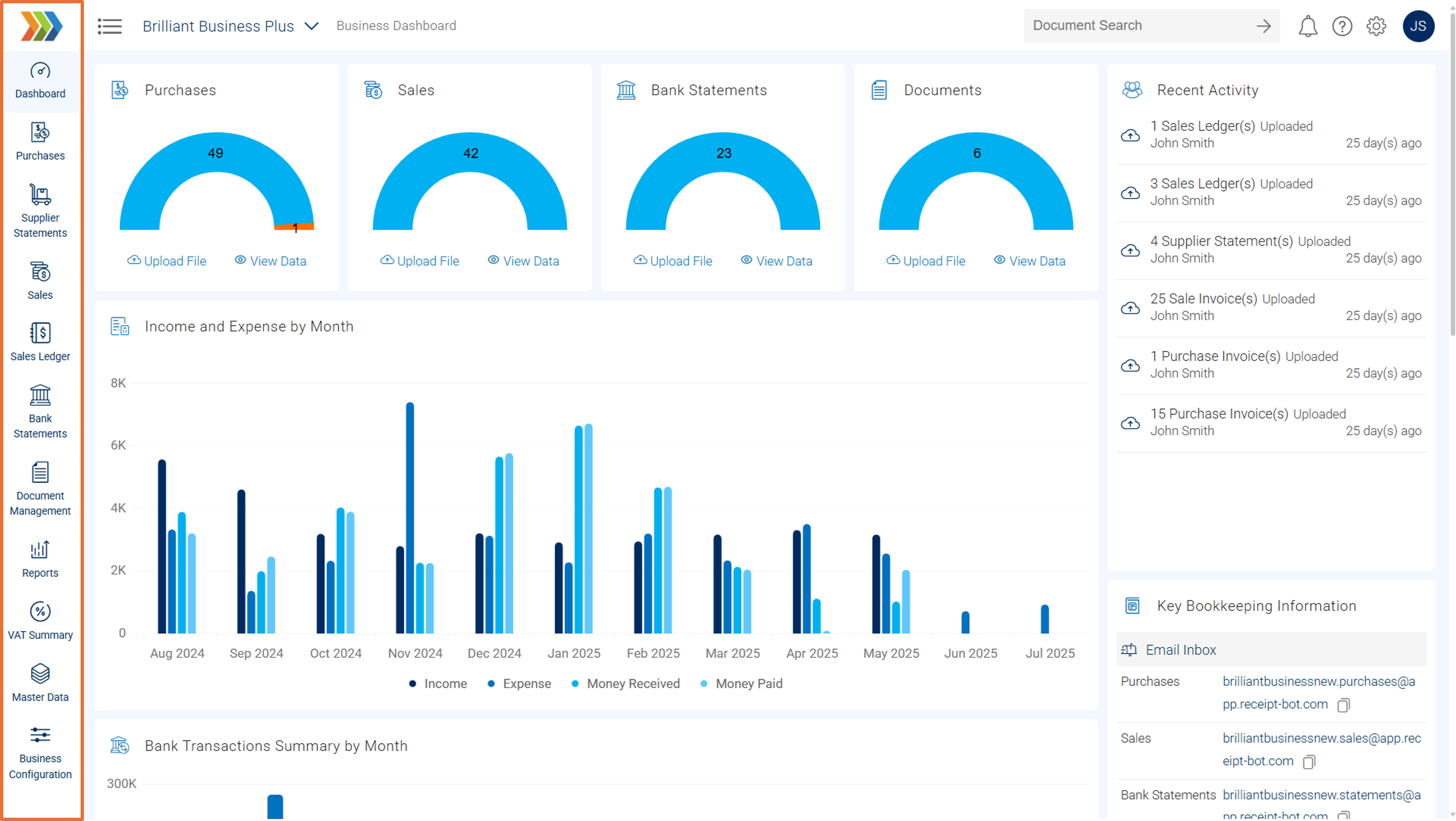
To help you focus on what matters most, we’ve redesigned the business menu to be more compact. This small yet impactful change provides you with more screen space to view and work with your document data, resulting in a cleaner and more productive user experience.
🛠️ Bug Fixes
- Sage One: Resolved an issue where some inventory items were not appearing correctly in the Sales Analysis grid and Bulk Edit page.
- Real-Time Grid Updates: Corrected a bug where the Purchase and Sale Analysis grids would not update automatically after editing a document, requiring a manual refresh.
- Additionally, several minor performance enhancements and stability improvements have been made to enhance your experience further.